
Brainstorm and draft a long-form post from a short prompt, with the response streamed straight into the editor as new blocks.
How it works
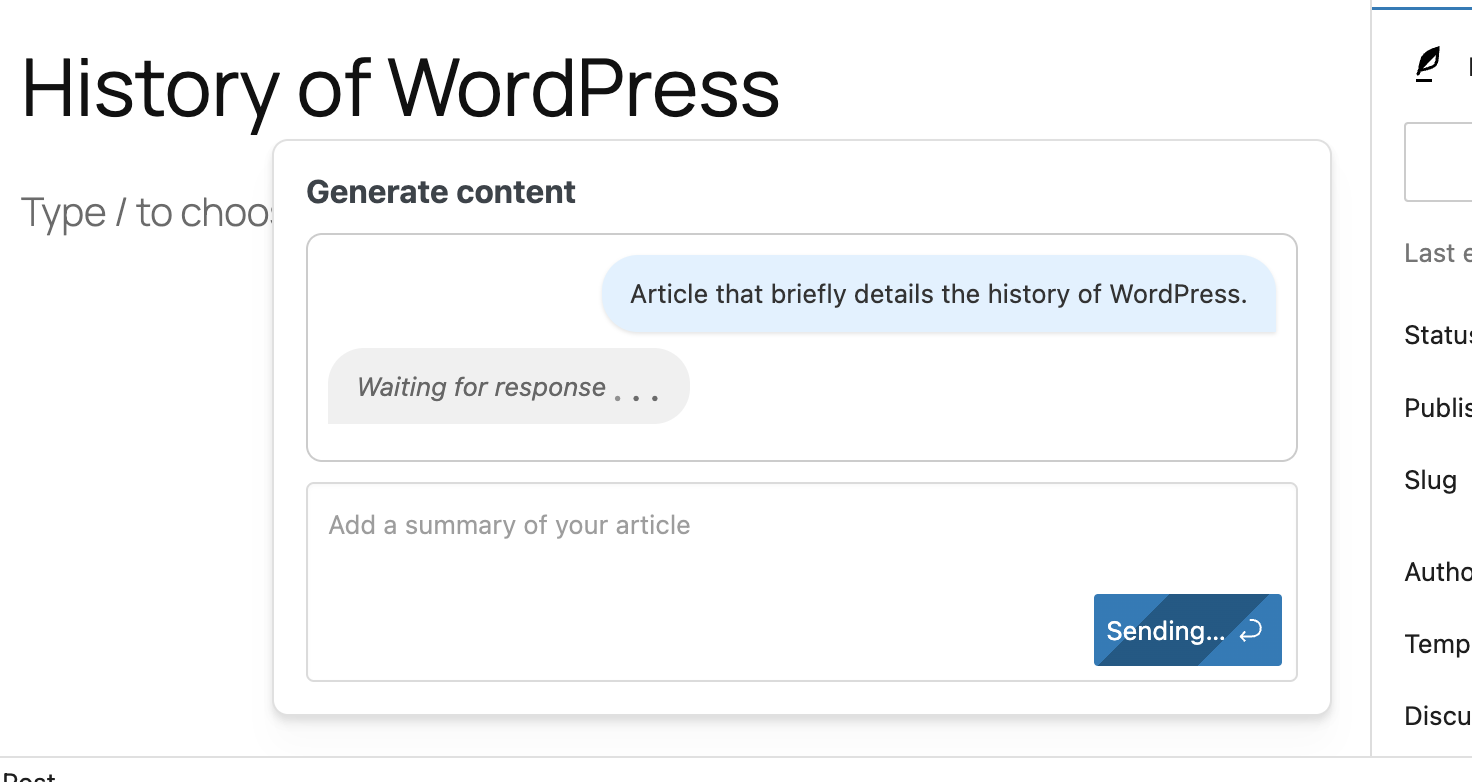
Content generation, surfaced as a sparkle icon in the bottom-right of the block editor (and as the “Quick Draft” integration on the dashboard), takes a short prompt — a working title, a few bullet points, or an angle — and returns a complete first draft. The result is streamed into the editor as a sequence of paragraph blocks so editors can tighten, restructure, or delete sections without first having to deal with a wall of text.
Configuration
- Prompt template applied to every generation request.
- Target word count for the returned draft.
- Default provider and model.
- Allowed roles and an allowed-users list for granular access control.
Providers
Three providers are supported, including a fully on-prem option:
- OpenAI ChatGPT
- Azure OpenAI
- Ollama (locally hosted)
The feature also respects ClassifAI’s per-feature provider switching, so a site can drive title generation through OpenAI while drafting articles through a private Ollama instance.
Use cases
- Internal-team brainstorming — a starter draft a human editor then fact-checks, restructures, and finishes.
- Spinning up a fresh draft from the dashboard Quick Draft widget without leaving the admin home.
- Briefing freelancers with a structured first pass instead of a blank page.