
Make featured images and inline art from a text prompt and save the result straight into the WordPress media library, ready to insert anywhere.
How it works
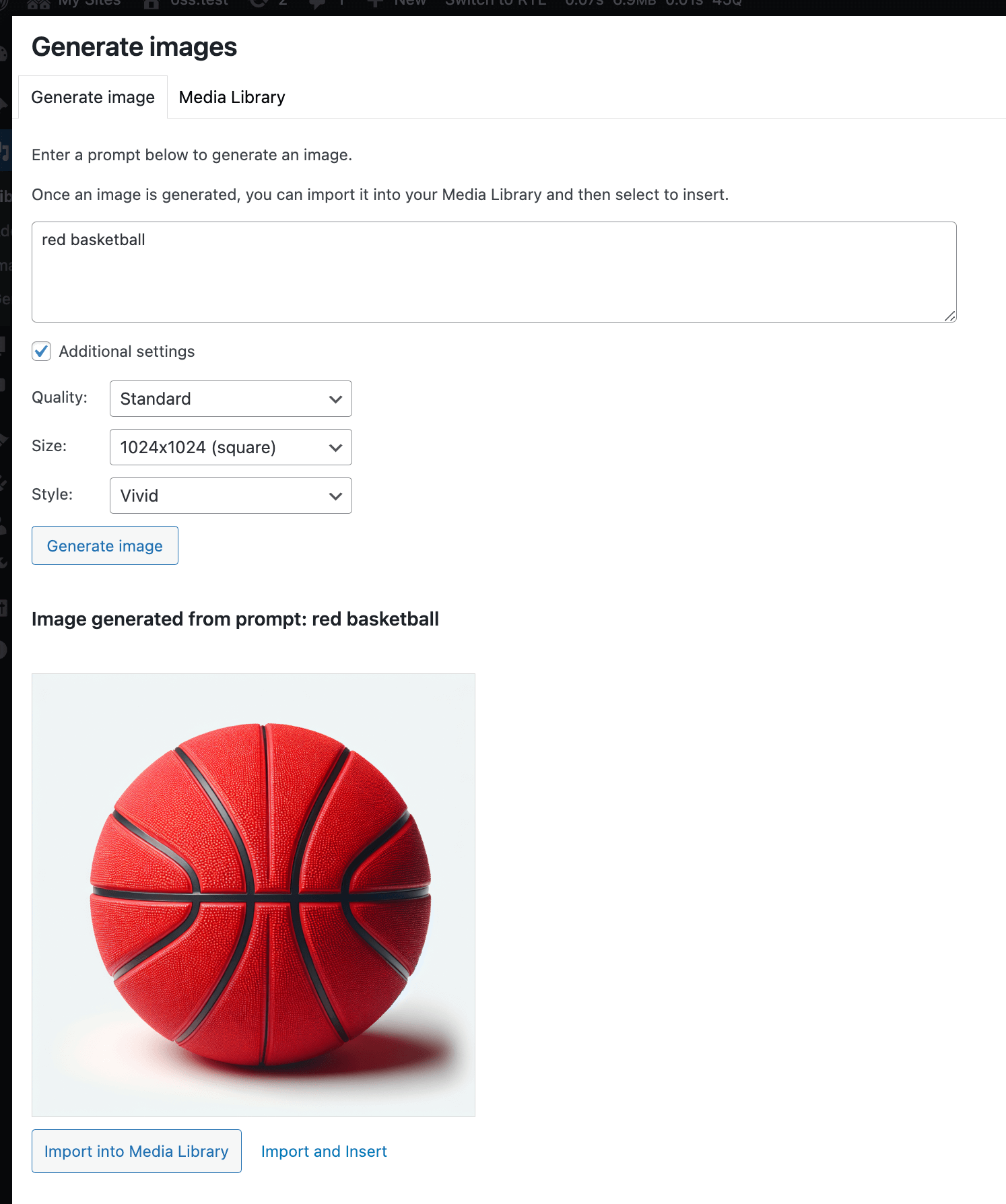
Image generation adds a Generate images tab inside the WordPress media modal: type a prompt, pick a size and style, and choose how many variations you want. The generated images appear alongside your existing library so you can insert them into the post or set one as featured image with a single click. Generated images go through the regular WordPress upload pipeline, get the standard sub-sizes, and inherit any ClassifAI alt-text or tagging features that are also enabled.
Configuration
- Default image size and style.
- Maximum number of images returned per request.
- Provider and model selection.
- Allowed roles and an allowed-users list for granular access control.
Providers
Four providers are supported, including a fully on-prem option:
- OpenAI Images (DALL-E / gpt-image)
- Google AI Imagen
- Together AI
- Stable Diffusion via the AUTOMATIC1111 web UI (locally hosted)
The locally hosted option matters for sites that need editorial control over training data or cost predictability — a single self-hosted GPU can serve unlimited generations once the model is loaded.
Use cases
- Generating featured images for posts that would otherwise ship with no hero art.
- Producing on-brand inline illustrations for explainers and how-to articles.
- Spinning up concept variations for art direction before commissioning a finished piece.