
Generate speech-to-text transcripts for any audio file uploaded to the media library and attach the transcript to the parent post or attachment.
How it works
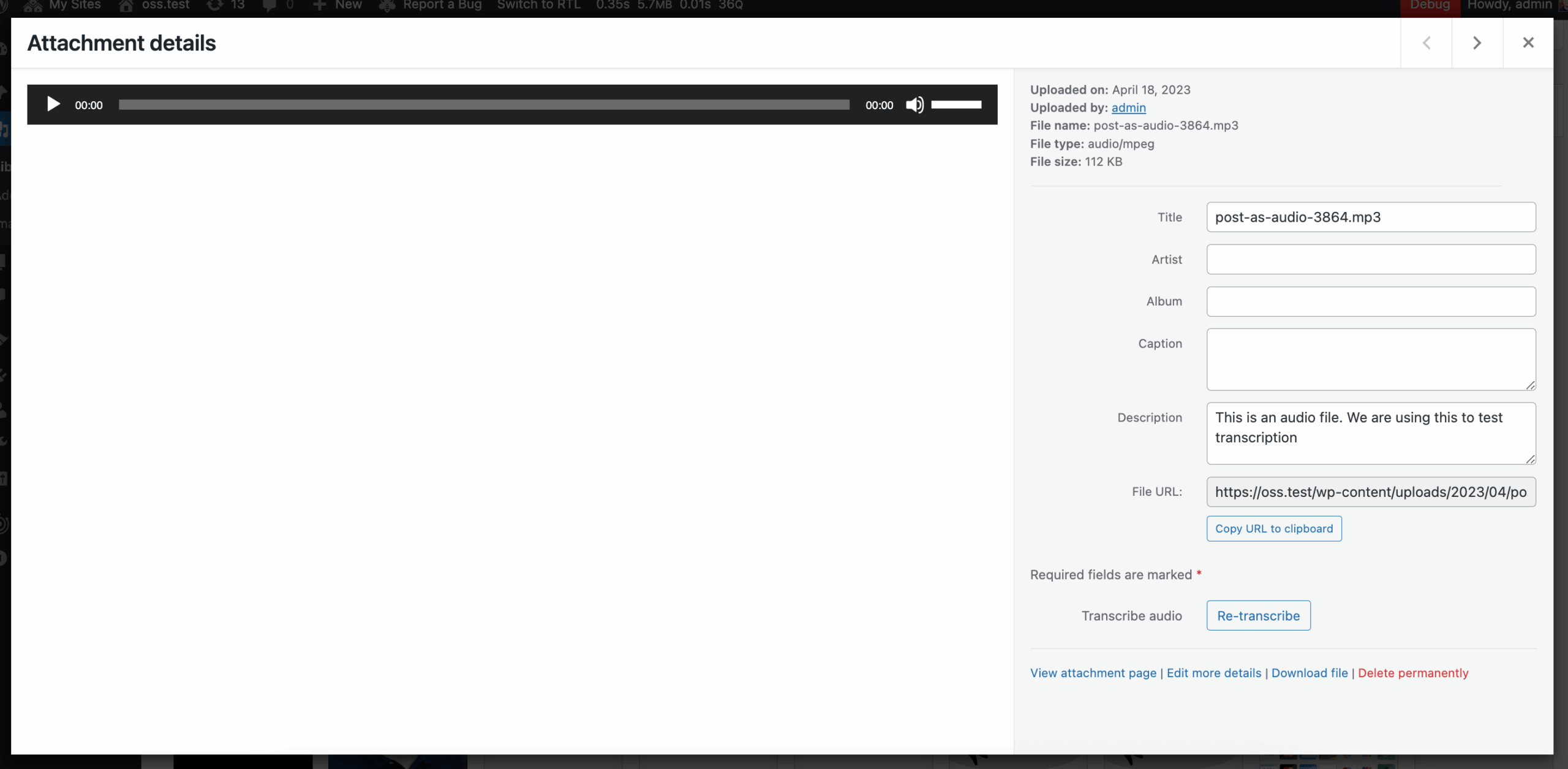
Audio transcripts run on every audio attachment uploaded to WordPress: ClassifAI ships the file to a speech-to-text provider, takes the returned transcript, and saves it as the attachment’s post content (so it shows up everywhere WordPress already shows attachment content — REST, search, the attachment template). Transcription can run automatically on upload or on demand from the attachment screen, and it is also one of the WP-CLI commands so existing audio libraries can be backfilled in a single batch.
Configuration
- Default language for the transcript.
- Provider and model selection.
- Allowed roles and an allowed-users list for granular access control.
Providers
- OpenAI Audio Transcription (Whisper)
- ElevenLabs Speech to Text
Use cases
Because the transcripts are stored as standard WordPress content, they automatically benefit from any other ClassifAI features that act on post content — the same audio episode can be transcribed, then summarised into key takeaways, then have an excerpt generated, all without leaving the admin. Typical inputs are podcasts, recorded interviews, webinars, and meeting recordings.