
Auto-tag uploads with a vetted vocabulary of subjects detected in the image, surfaced as terms in the standard Image Tags media taxonomy.
How it works
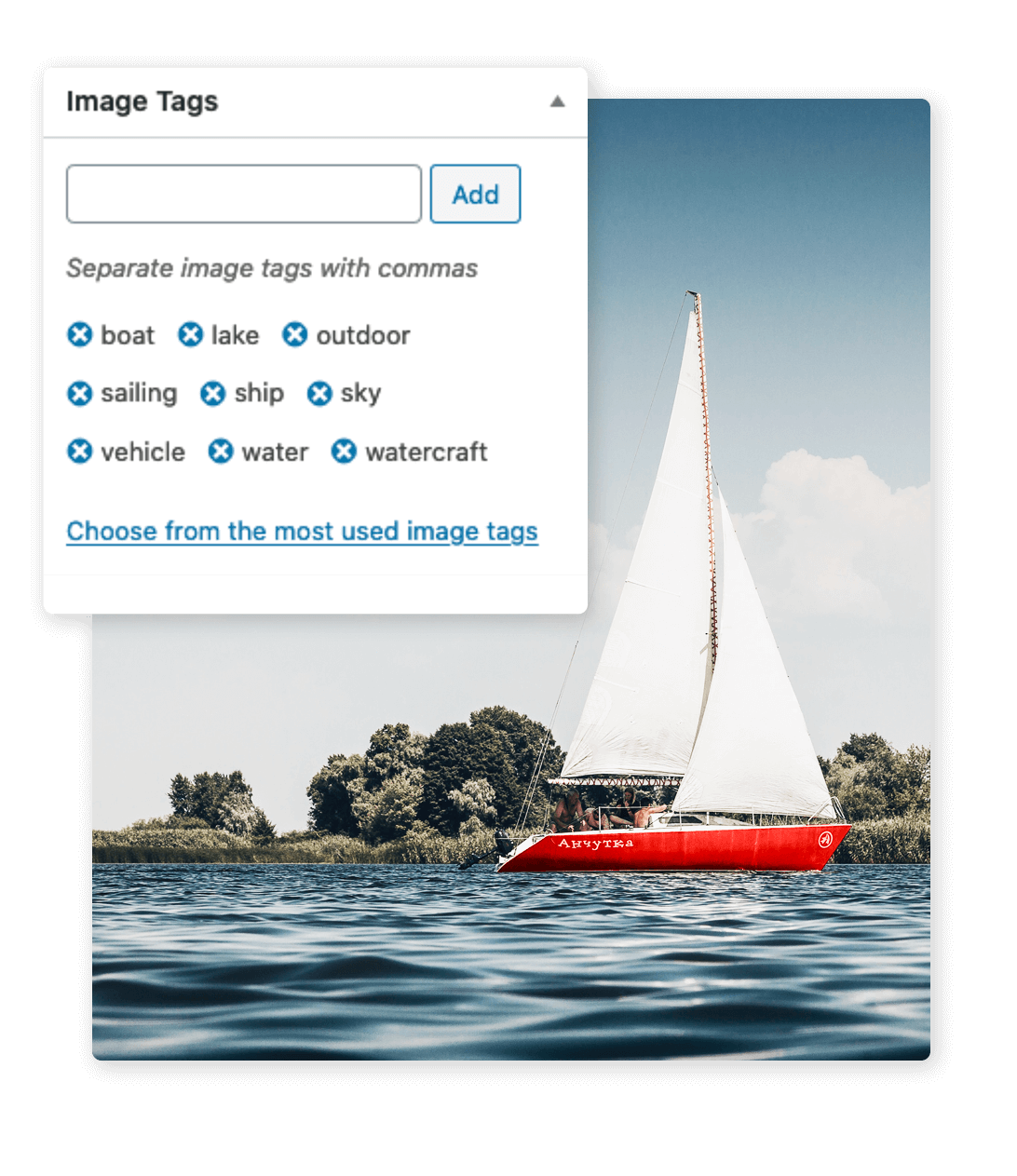
Image tagging analyses the contents of each uploaded image and assigns it to terms in the Image Tags taxonomy that ClassifAI registers on attachments. By default tags are assigned automatically on upload, but the action can also be re-run from the attachment edit screen or in bulk from WP-CLI. Once tags are populated, they are exposed wherever attachment taxonomies normally appear — in REST, in the media library filter UI, in WP_Query, and as facets in search plugins like ElasticPress.
Configuration
- Confidence threshold — only tags above the threshold are added.
- Optional whitelist restricting the model to terms that already exist on the site.
- Provider and model selection.
- Allowed roles and an allowed-users list for granular access control.
Providers
- Microsoft Azure AI Vision (the most mature integration, returning a flat tag list with confidence scores)
- OpenAI ChatGPT (vision)
- Ollama (locally hosted vision models)
Use cases
- Stock photo libraries that would otherwise need a librarian to maintain.
- E-commerce product imagery, where consistent subject tagging powers filterable catalog UIs.
- Editorial archives where retroactive subject classification is otherwise prohibitively manual.